
In the realms of design, mood boards are utilized as a visual bridge, capturing ideas and thoughts before they are fully formed. These collections of ideas include colors, images, textures, typographies, and more. They clarify the designer’s vision. Even if you are a professional designer or just a beginner who is entering the world of design, understanding the importance of mood boards can greatly enhance the quality and precision of your works. Let’s see how these visual compasses can help you navigate through tons of different creative paths.
PURPOSE OF MOOD BOARDS

At its core, a mood board is a visual brainstorming tool, a collection of images, colors, fonts, and sometimes materials that capture an idea or style for a design. Designers stand by them, and for good reason. These boards serve as an organized space for inspiration, allowing flexibility to add or remove elements as a specific vision evolves. More importantly, they’re a powerful communication tool. When presented to clients, a mood board offers clarity, ensuring both the designer and client are aligned in their vision. And the best part? Creating a mood board isn’t complex, making it an accessible tool for various purposes, from design projects to personal dreams.
HOW TO CREATE ONE
Mood boards, as mentioned earlier, are simple yet powerful tools for designers. You should begin with a color palette and typography choice to set your brand’s tone. You should always communicate with your clients to ensure the board reflects their vision (or your vision). Now, as for actually creating your mood board, here are some website recommendations that may be helpful when brainstorming. If you’re looking for inspiration, Pinterest is a goldmine, allowing you to find images and ideas that align with your aesthetic. To enhance your board, seek feedback from fellow designers or friends. If you need royalty-free, high-quality images, platforms like Unsplash, Pexels, and Dribbble are excellent choices. For color palette choices, Adobe Color is a useful resource. To compile your mood board, consider Canva, Vistacreate, or Adobe Spark. For further customization and collages, Photoshop is your best friend. Once your mood board is ready, talk with your client and see if you find and fix any errors in the brand’s portrayal, ensuring a flawless blend of your creativity and their vision.
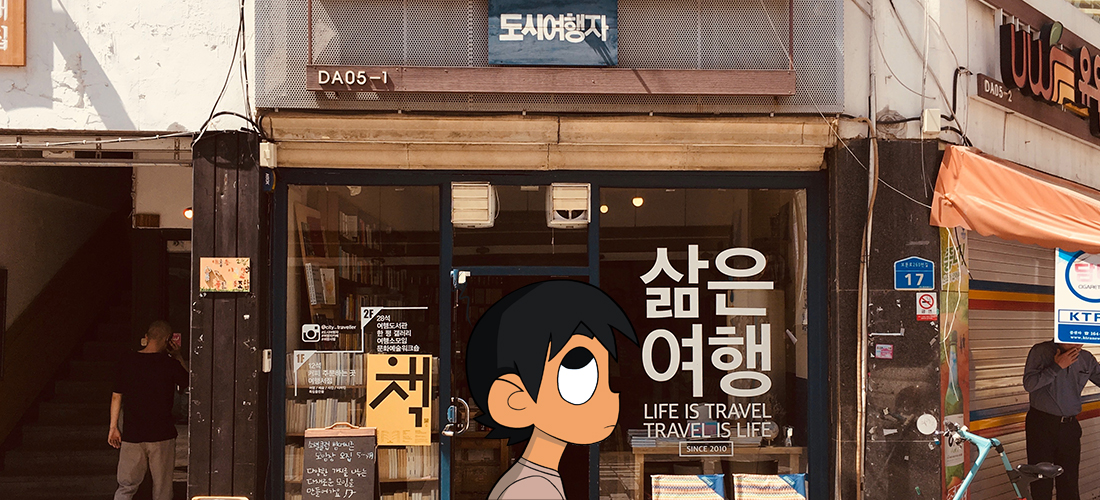
Featured image by Yonghyun Lee on Unsplash ; edited by Juan Castillo
 JUAN CSTL